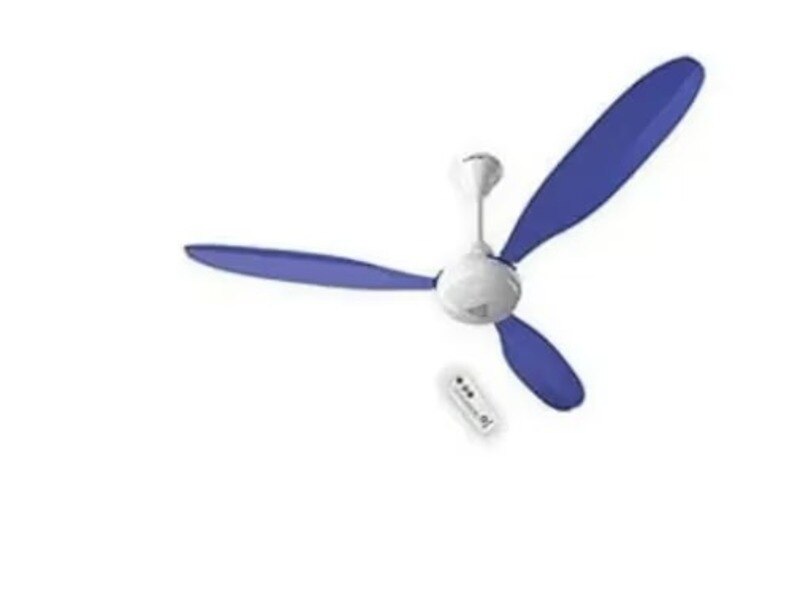
A BLDC fan that will not start can have a dead remote, a switched-off supply, a failed receiver, a damaged controller, or a motor-position fault. Follow the checks in sequence, beginning with safe observations and the wall supply, then use model-specific pairing instructions and qualified testing before replacing electronic parts.
Key takeaways
- Check mains power before blaming the fan motor or electronics.
- Test the wall switch, remote batteries and receiver without opening the canopy.
- Match silence, speed changes and noise to likely electronic or mechanical faults.
- Use model-specific parts and call a technician for canopy or wiring work.
Start with the symptom and the power supply
A fan that is completely silent does not prove that the motor has failed. Check the building supply before blaming the A1, A1X1, or X1 electronics.
- Confirm the circuit breaker is on and the wall switch is not loose, miswired, or connected to the wrong circuit.
- Replace or test the remote batteries, checking polarity and fresh-battery voltage. A dead handset is not the same fault as a dead fan.
- Have a qualified technician measure AC voltage at the fan’s input terminals with the wall switch on, then repeat the reading while issuing a start command.
- A missing or collapsing reading points to the switch, terminal connection, protective device, or building supply.
- A normal, steady reading with no response points inside the fan: receiver, control PCB, wiring connector, motor controller, position sensor, or motor winding.
For bldc super fan a1x1 problems in chennai, this two-reading test separates supply failure from fan failure faster than replacing parts. The same approach applies to bldc super fan a1 not working in chennai: if the receiver has power, try the model’s pairing or power-reset procedure before condemning the controller.
Do not open the canopy to take a live reading; isolate the circuit at the distribution board and verify zero voltage before inspection. Do not fit a traditional run capacitor as a routine fix—BLDC fans usually do not use one.
Check the wall switch, remote and receiver without opening the canopy
A fan that ignores the remote may simply have no power, a flat handset battery, lost pairing, or the wrong handset. Check these causes without removing the canopy or touching wiring.
- Confirm the wall switch is on and check the fan’s breaker or isolator. If another light on the same circuit works but the fan stays completely silent, the fan may have lost power.
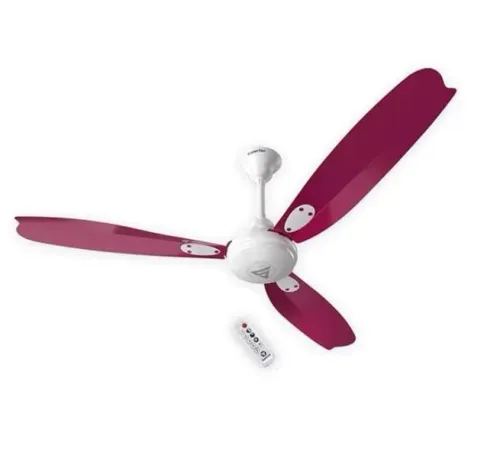
- Stand close to the fan and press the start button. Try the speed and light buttons too. A beep or indicator response proves that the receiver is receiving something; no response points to the handset, pairing, receiver power, or the fan supply.
- Remove and refit the battery with its polarity matching the markings. Fit a fresh battery, clean visible battery contacts, and test again. Do not rely on a phone-camera test unless the handset uses infrared and your camera can see that wavelength; it says nothing about a radio-frequency remote.
- Aim the handset at the receiver area with no obstruction. A covered, painted-over, or blocked receiver can weaken infrared signals, while radio remotes can fail after interference or receiver damage.
- Check the remote label against the exact A1, A1X1, or X1 model. A similar-looking handset can transmit a different code.
- If the remote works but the fan remains silent, follow that model’s pairing or power-reset steps from its manual. Pairing sequences differ by revision.
For a BLDC fan remote problem in Chennai, record the model and remote code before ordering a receiver. Stop if the wall switch is hot, loose, buzzing, or sparking; do not open the canopy.
Match each operating symptom to the likely electronic or mechanical fault
A beep confirms that the receiver heard a command; it does not confirm that the motor controller is driving the rotor. Match the symptom to the fault before ordering a board, especially during bldc super fan x1 troubleshooting in chennai.
- Beeps without rotation: suspect a loose motor connector, failed Hall sensor, controller commutation fault, or a mechanically locked rotor. Switch off the supply before checking accessible plugs and confirm that the blades turn freely by hand.
- Intermittent stopping after several minutes: suspect thermal protection, a heating connector, loose terminal, poor controller ventilation, or PCB discoloration. Note whether it happens only at high speed or after the enclosure warms; never bypass the thermal cut-out or keep resetting it.
- Low speed: check for a phase-cut wall regulator, low input voltage, incorrect speed command, controller damage, bearing drag, or a blade obstruction. A BLDC fan needs its compatible electronic control, not an induction-fan regulator.
- Reverse rotation: suspect an incorrect motor-controller match, wrong motor connector, failed commutation or Hall feedback, or a replaced board with incompatible firmware. Do not continue running it; reverse operation can indicate incorrect phase sequencing.
- Humming: suspect stalled startup, seized bearings, rubbing blades, or controller output that is energising the motor without correct commutation.
- Flashing indicators: read the model’s fault or pairing code; it can indicate receiver communication loss, an unpaired remote, motor feedback failure, or over-temperature.
- Sudden shutdown: check for a supply dip, loose connection, over-current event, thermal trip, or controller failure. Record the symptom and measured findings before replacing parts.
A matched controller must carry the exact model, revision, motor connector, input rating and remote protocol. A physically fitting board can still overheat or fail immediately.
Use the correct model parts and reset procedure
A receiver is not a universal spare. Before replacing it, confirm the fan’s exact model, revision and reset method from the rating label, manual and existing board.
1. Record whether the fan is A1, A1X1 or X1, then photograph the controller label, motor connector and input rating. For bldc super fan a1x1 problems in chennai, do not substitute an A1 or X1 board because the casing fits.
2. Check the remote protocol and pairing instructions for that model and revision. Follow the manual’s power-cycle and button sequence; an A1 reset is not automatically valid for an X1. Pairing a different handset code can leave the fan silent.
3. Read the indicator exactly as the manual defines it. A steady light, flashing light, error pattern or no light can mean standby, pairing mode, protection or no receiver power. Do not treat every flashing LED as a failed controller.
4. Compare the proposed spare’s model number, controller revision, motor connector, rated input, remote protocol and firmware or pairing requirement. A board that plugs in can still cause wrong commutation, overheating or immediate failure.
5. After a voltage surge, outage or breaker trip, switch off the circuit, wait for the manual’s discharge interval, restore power and perform the specified reset before condemning the board. For bldc super fan x1 troubleshooting in chennai, record the indicator response and pairing result.
Have a technician isolate the circuit at the distribution board and verify zero voltage before opening the canopy.
Know when BLDC ceiling fan fault repair needs a technician
Call a technician when the canopy, controller, mains wiring, or motor needs opening. Isolate the circuit at the distribution board and verify absence of voltage; switching off the wall switch alone is not safe isolation.
For bldc ceiling fan fault repair in chennai, ask the technician to inspect and record:
- Model, serial number, symptom, installation location, and whether the fault appears cold, after several minutes, or only at high speed.
- Supply voltage, earth continuity, terminal tightness, and connector condition.
- Controller ventilation, PCB discoloration, burning smell, connector heating, and thermal protection operation.
- Motor winding connections, Hall or position feedback, shaft drag, bearing noise, and rotor movement.
- Dampness, condensation, and salt contamination on outdoor or semi-open installations.
Do not permit a thermal protector to be bypassed. Repeated resets can turn an intermittent controller failure into a permanently damaged PCB. This record also prevents a wrong receiver being fitted when someone reports “bldc super fan a1 not working in chennai.”
| Choice | Use it when | Avoid it when |
|---|---|---|
| Repair wiring or controller | The fault is a loose terminal, connector, sensor, or repairable PCB section | Heat damage keeps returning |
| Replace controller | The controller has confirmed MOSFET, power-supply, or control-board failure | Moisture has damaged the motor or harness |
| Replace motor assembly | Windings, feedback components, or bearings are damaged | Only the receiver or controller has failed |
For a model-specific parts check, give Shine Agencies the model label, controller photographs, and the technician’s measurements instead of ordering a generic receiver.
Frequently asked questions
What should I check first when a BLDC super fan stops working?
Check the building supply, circuit breaker, wall switch and remote batteries before assuming the motor or electronics have failed.
How can I check a BLDC fan remote problem without opening the canopy?
Replace the remote batteries, confirm the wall switch is on, check the remote indicator and try the fan’s documented reset procedure.
What do different BLDC super fan operating symptoms indicate?
A completely silent fan points first to power or control faults; intermittent operation suggests a remote, receiver or connection issue; noise or wobbling points to mechanical problems.
When does BLDC ceiling fan fault repair require a technician?
Call a technician for canopy access, damaged wiring, receiver or controller replacement, burning smells, repeated tripping or faults that remain after basic checks.
Keywords